Custom entity models
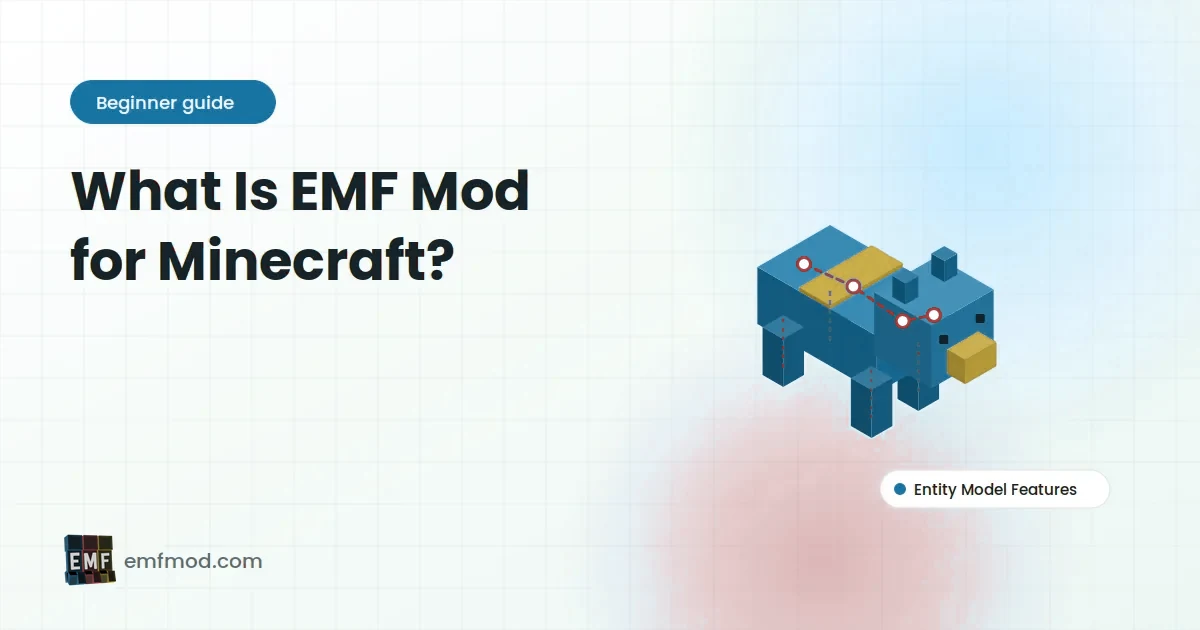
Packs can reshape any supported entity: longer necks, new heads, armour plates, extra limbs. Gameplay and hitboxes stay vanilla, so it is purely visual and safe to use on any server.
Java EditionEntity Model Features for Minecraft
EMF Mod lets resource packs reshape mobs and bring them to life with animation,
using the .jem model format made popular by OptiFine, on Fabric, Forge and NeoForge.
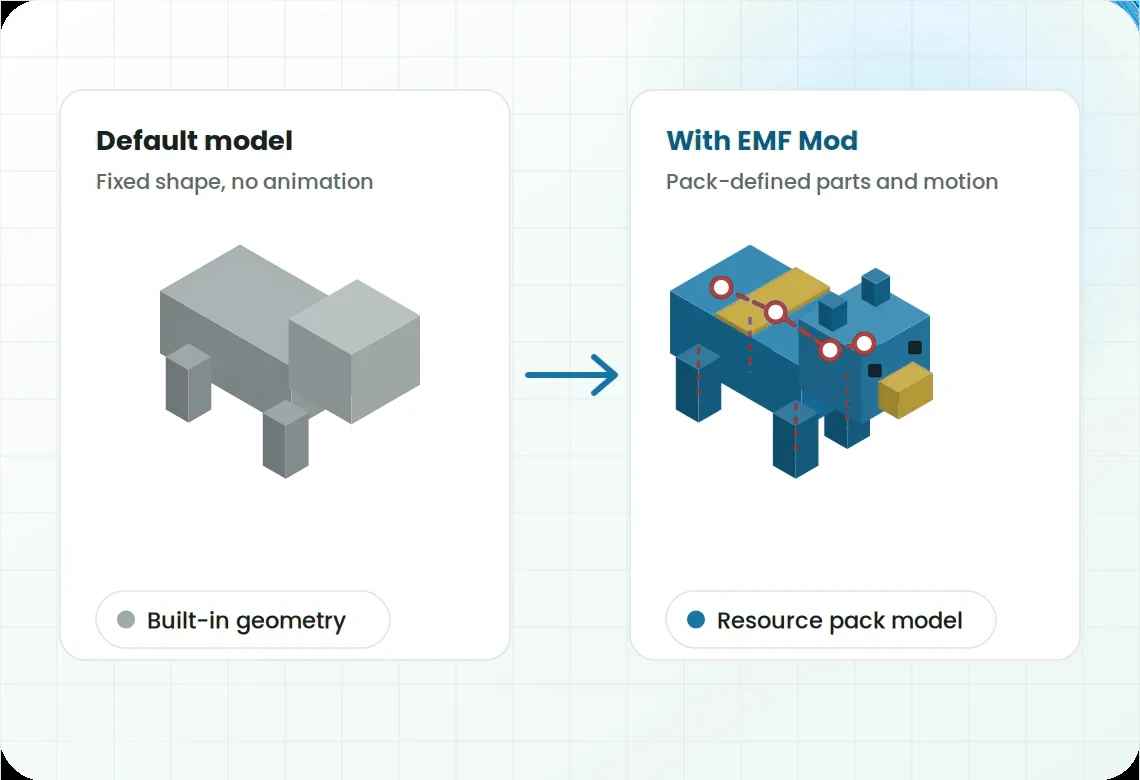
Good to knowEMF is the engine. The new looks come from the resource pack you choose.
EMF Mod, short for Entity Model Features, is a client-side mod for Minecraft Java Edition made by the developer Traben. Vanilla Minecraft lets resource packs change how mobs are coloured, but not how they are shaped. EMF removes that limit.
With EMF installed, a resource pack can replace the boxes that make up a cow, a zombie or a fox, add new parts such as tails or ears, and describe animations that respond to movement, time and head direction. It reads the Custom Entity Models format that pack creators already use, so many packs written for OptiFine work without OptiFine.
Everything here is driven by resource packs. EMF provides the support; packs decide what your mobs look like.
Packs can reshape any supported entity: longer necks, new heads, armour plates, extra limbs. Gameplay and hitboxes stay vanilla, so it is purely visual and safe to use on any server.
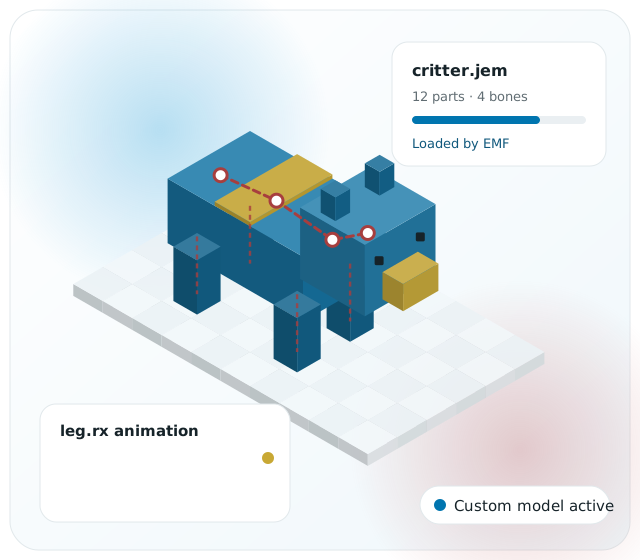
Model parts can rotate, move and scale using expressions tied to walking, looking, swimming, time and more.
Packs can ship several models for one mob and pick between them with rules, so herds and crowds look varied.
Reads the .jem and .jpm files that CEM packs already contain, so many packs
written for OptiFine work without it. Pack order, variants and animations are handled the way pack
creators expect.
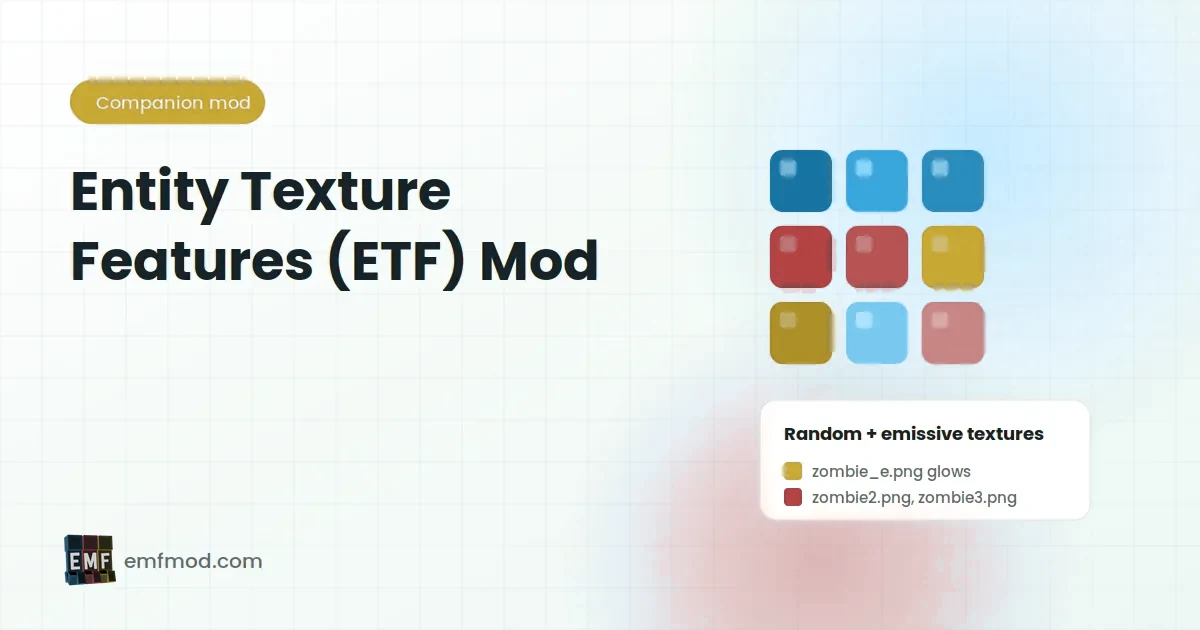
EMF pairs with Entity Texture Features, which adds random texture variants, emissive glowing layers and blinking. Together they cover both the shape and the surface of every mob.
Adjust options, switch off individual models and use debugging tools from the settings screen.
EMF sits between the game and your resource pack. Once both mods are in place, the pack does the rest.
Install Fabric, Forge or NeoForge for your exact Minecraft Java version and launch its profile once.
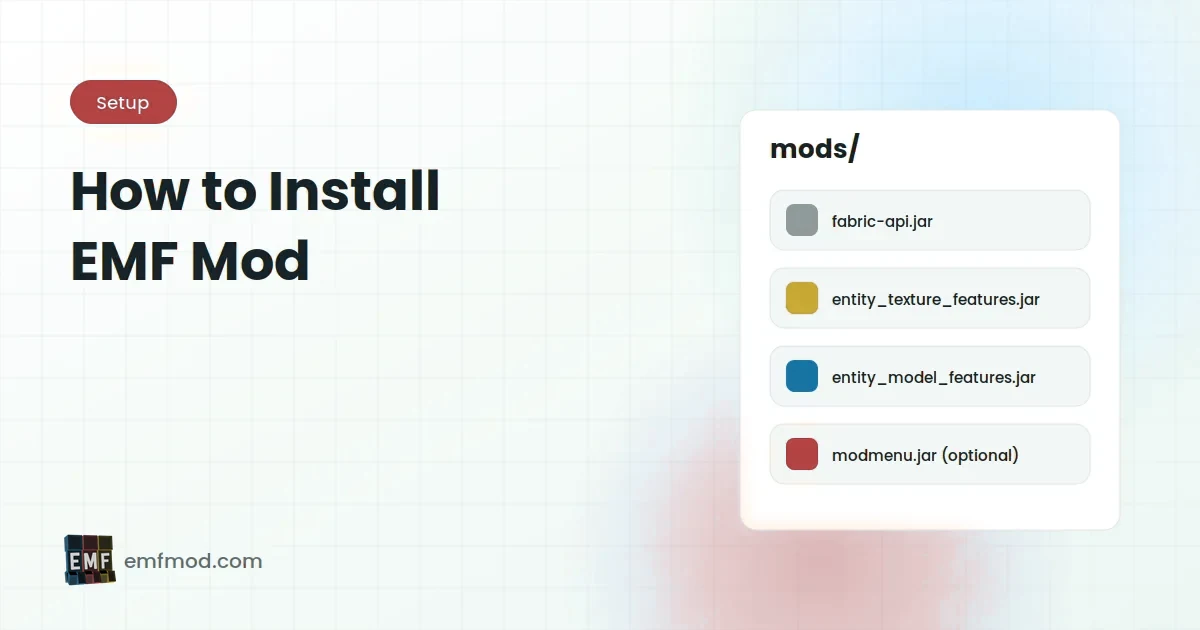
Place matching Entity Texture Features and Entity Model Features .jar files in the mods folder.
Copy a resource pack that uses .jem custom entity models into the resourcepacks folder.
Open Options, then Resource Packs, move the pack to the selected list and load a world.
Always match the Minecraft version and loader named on the build you install. EMF and ETF must be built for the same version and loader.
| Area | Status | Notes |
|---|---|---|
| Minecraft Java Edition | Supported | Builds follow modern releases, including the 1.21 line up to 1.21.11. |
| Older versions (e.g. 1.16.5) | Limited | Check official listings for your exact version. |
| Entity Texture Features | Required | Install the ETF build for the same version and loader. |
| Sodium and Iris | Commonly used | Keep them on the same Minecraft version as EMF. |
| OptiFine | Not needed | EMF replaces its entity model feature; do not combine them. |
| Bedrock, console, mobile | Not supported | Java mod loaders only. |
The most popular choice. Add Mod Menu to reach EMF and ETF settings.
Available for many versions. Settings open from the mods list.
Common on recent releases. Use NeoForge builds, not Forge ones.
Never mix loaders in one profile. A Fabric build will not load on Forge or NeoForge, and the reverse is also true.
Animated packs make animals graze, breathe and look around, adding character without changing gameplay.
Keep using your favourite CEM packs on Fabric or NeoForge alongside modern performance mods.
Test .jem models and animations on modern loaders, using EMF's settings to debug parts.
Ship visual packs that work out of the box for every player who installs the modpack.
These steps work for Fabric, Forge and NeoForge. The only thing that changes is which loader you install first.
Mods are .jar files. Do not unzip them, and never run an .exe that claims to
install EMF.
Look at the launcher profile, for example 1.21.11. Every mod you add must target this version.
Run the Fabric, Forge or NeoForge installer for that version, then launch the new profile once to create its folders.
Put the ETF .jar for your version and loader into the mods folder.
Put the matching EMF .jar next to it. On Fabric, add Fabric API if the release lists it, and
Mod Menu for settings.
Copy the pack's .zip into resourcepacks, then enable it in Options and Resource
Packs.
Find a mob the pack changes. If it still looks vanilla, see troubleshooting below.
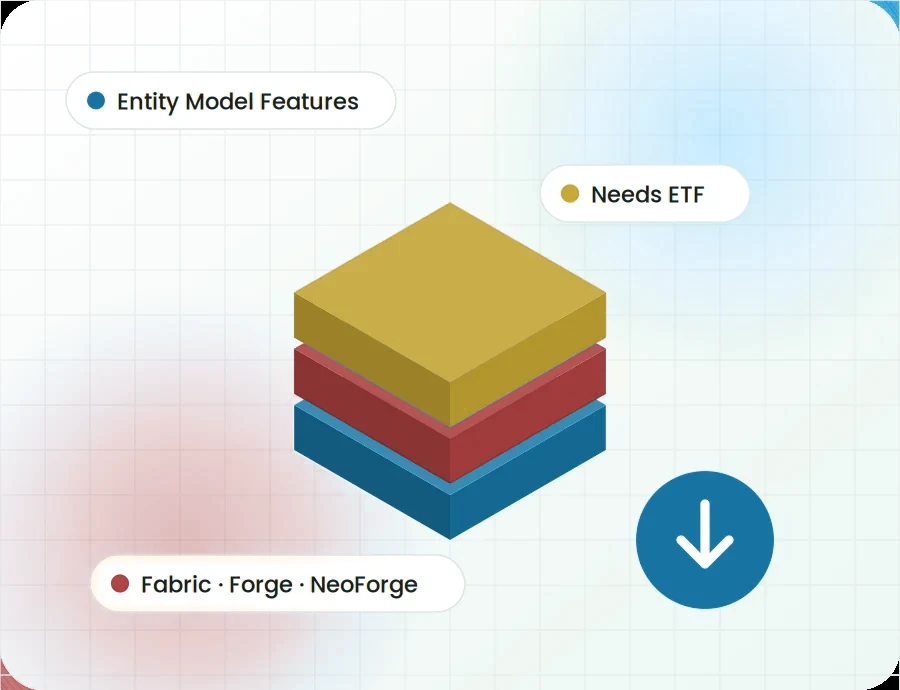
The button below links directly to the developer's official GitHub repository archive for Entity Model Features.
Download EMF ModThis archive contains the project's source code for developers and pack creators. Players
who want a ready-to-use .jar usually install the compiled release from the developer's
official release pages, matched to their Minecraft version and loader.
EMF Mod is popular, which means copycat sites and fake files exist. Keep these rules in mind:
.jar files, never .exe installers.Version numbers change often, so we list the details that stay stable. Always read the release notes of the build you install.
Page last reviewed: September 2026.
Install Entity Texture Features for the same version and loader. Add Fabric API if the release lists it.
Check that every mod targets your exact version and loader, and remove duplicate or old files.
Enable the pack in Resource Packs, check its order and make sure any required base pack is added.
ETF is working but EMF is not. Confirm the EMF .jar is in mods and the pack
contains .jem files.
Remove OptiFine and OptiFabric from the profile. EMF handles custom entity models on its own.
Lower entity distance and check EMF and ETF settings. Lighter pack editions help too.
Step-by-step articles on installation, versions, resource packs and performance.
A plain-language introduction to Entity Model Features: what it changes in Minecraft, how it relates to ETF and OptiFine, and who benefits from it.
Read the guideETF is the texture half of the EMF pairing. Here is what Entity Texture Features adds, how texture variants and emissive layers work, and why EMF requires it.
Read the guideInstall EMF and ETF on any supported loader in a few minutes. Covers loader setup, the mods folder, optional helpers and enabling your resource pack.
Read the guideTwenty answers about EMF Mod, split into general questions and setup help. Switch between the two groups with the tabs.
Still stuck after reading these? Our troubleshooting guide covers every common error in detail.
Open the troubleshooting guideEMF Mod, or Entity Model Features, is a client-side mod for Minecraft Java Edition by the developer
Traben. It lets resource packs replace entity models and add animations using the CEM format
(.jem and .jpm files) that OptiFine popularised.
EMF stands for Entity Model Features. The name describes its job: adding model-related features for entities such as mobs, animals and other creatures.
Yes. EMF is free to use and its source code is openly available in the developer's public repository.
EMF changes entity models and animations. ETF (Entity Texture Features) changes entity textures, adding random variants, emissive layers and similar effects. EMF requires ETF, but ETF can be used on its own for texture-only packs.
No. EMF provides custom entity model support without OptiFine. You should not install OptiFine in the same profile, as the two overlap and often conflict.
EMF has builds for Fabric, Forge and NeoForge, with availability depending on the Minecraft version. Quilt can usually load Fabric builds. Always match the loader named on the release you download.
EMF builds follow modern Minecraft releases, including the 1.21 line. Choose EMF and ETF builds that list 1.21.11 specifically, because point releases can break compatibility.
Support for older versions is more limited. Check the developer's official listings for a build that names 1.16.5 and your loader. For texture-only packs, ETF alone may cover what you need.
No. EMF is a Minecraft Java Edition mod. It does not work with GTA V, and files claiming to be "EMF for GTA 5" are not the real mod and should be avoided.
No. EMF runs only on Minecraft Java Edition through a Java mod loader. Bedrock, console and mobile versions of the game cannot load Java mods.
Install a loader (Fabric, Forge or NeoForge), place matching ETF and EMF .jar files in
the mods folder, add a CEM resource pack to resourcepacks, then enable it
in Options and Resource Packs.
EMF is client-side. Servers do not need it. Each player who wants to see custom models needs EMF, ETF and the resource pack on their own game.
A .jem file describes a complete custom entity model, including parts and animations.
A .jpm file holds a single model part that a .jem can reference.
Packs made for OptiFine CEM or built specifically for EMF and ETF, such as popular animation packs like Fresh Animations. Check each pack's supported Minecraft versions and requirements.
Usually the pack is not enabled, another pack above it overrides the same models, a required base pack is missing, or EMF is not loading. Confirm EMF appears in the game's mod list and check the pack order.
The common causes are a missing ETF, a build for the wrong Minecraft version or loader, duplicate
mod files, or OptiFine in the same profile. The loader's error screen and
logs/latest.log usually name the problem.
Yes, EMF is commonly used alongside Sodium and Iris on Fabric. Keep all of them on builds for the same Minecraft version, and update them together when you change versions.
EMF itself is light, but animated packs add work for every visible entity. Lowering entity distance, using lighter packs and adjusting EMF and ETF settings keeps performance steady.
On Fabric, install Mod Menu and use the settings button next to EMF in the mods list. On Forge and NeoForge, open the mods list from the title screen and use the config button.
The main download button links directly to the developer's official GitHub repository archive. It
contains the project's source code. Ready-to-play .jar builds come from the developer's
official release pages.